
Why Flooring Stores Switch Software Before January 1
Why flooring retailers switch software before the new year, what the switch involves, and how to go live on January 1 in about five hours of your team’s time.

Why Flooring Stores Switch Software Before January 1 (and How to Do It in About Five Hours)
Every December, the same conversation happens in flooring showrooms across the country. The owner looks at the whiteboard of installs, the spreadsheet of what's in stock, and the payment terminal that has no idea what's on the invoice, and says some version of: "We're not doing another year like this."
That's why our onboarding calendar fills up this time of year. Flooring retailers, rug stores, and showroom owners want 2027 dialed in before it starts, not patched together in March. They've figured out something worth sharing: the weeks between the year-end inventory count and the spring rush are the single best window to switch flooring store software, and the switch itself takes far less of your time than you'd expect.
This article covers why January 1 is the natural start date for a new system, what the switch actually involves, and how to decide whether a new-year migration is right for your store.
The short answer: when is the best time to switch flooring store software?
The best time for a flooring retailer to switch software is the start of a new year, with migration happening in December and go-live on or around January 1. Three things line up at once: you're already counting inventory for year-end, the install calendar is at its lightest, and a clean January 1 cutover means every quote, job, invoice, and payment for the new year lives in one system from day one. For most stores, the switch takes about five hours of the team's time spread over one to two weeks.
What the whiteboard, the spreadsheet, and the standalone payment tool actually cost you
Most flooring stores don't run on one system. They run on a core piece of software (or none at all) surrounded by a collection of workarounds. Each one made sense when it was added. Together, they're the reason the owner is the only person who knows what's going on.
The whiteboard of installs
The install board works until it doesn't. It can't tell a customer when their stair runner is scheduled without someone walking to the back. It can't flag that the carpet for Thursday's job hasn't arrived from the mill. And when an installer calls out, rescheduling means erasing, rewriting, and hoping nobody forgot to call the customer. Scheduling that lives apart from the job means every change happens twice.
The spreadsheet of what's in stock
A stock spreadsheet is only as current as the last person who updated it. A rug sold off the floor on Saturday is still "available" on Monday. A roll of carpet that's been cut three times still shows the original length. The spreadsheet can't reserve material against a quote, so the sale that was "in stock" gets re-quoted a week later. Flooring retailers that track inventory this way spend the first week of every January rebuilding the file from scratch, which is exactly the moment to stop maintaining it.
The payment tool that doesn't talk to the rest of the business
This is the one that costs real money. When payments run through a terminal or processor that isn't connected to the quote and invoice, every deposit has to be keyed in twice, every balance due is a manual calculation, and reconciliation at month-end is a scavenger hunt across the processor portal, the bank statement, and the invoice folder. Deposits get missed. Final balances get forgotten. The customer who paid in full still gets a reminder.
None of these problems are software problems in the way most owners think. The core system might be fine. The problem is everything around it. That's why the stores that switch are rarely switching from a system; they're switching away from the whiteboard, the spreadsheet, and the disconnected payment tool. If that describes your store, the Switch to Service Buddy page walks through what the move looks like from each of the common starting points.
Five reasons flooring retailers switch before the new year
Here's what we hear from the stores booking onboarding slots for December and early January. The reasons are consistent enough that they're worth laying out one at a time.
1. Start January 1 with every quote, job, and invoice in one system
A mid-year switch means living with two systems for months: old jobs finishing in the old system, new jobs starting in the new one, and a sales team that has to remember which is which. A January 1 cutover avoids that. Every quote written in the new year, every job scheduled, every invoice sent, and every payment collected is in one place, on one customer record, from the first day. When you look at 2027's numbers next December, there's nothing to stitch together.
It also makes the year's reporting clean. Sales by salesperson, margin by product line, deposits outstanding, jobs by installer: all of it starts from a single source on January 1, which matters for your accountant as much as it matters for you.
2. Turn the year-end inventory count into the import
You're going to count inventory anyway. Every flooring store does a physical count at year-end for the books. The stores that switch in December do the count once and use it as the opening inventory in the new system, instead of counting for the accountant and then re-entering everything into software three months later.
Done this way, the year-end count stops being a chore you do for your tax return and becomes the foundation of the new year's operations. Every remnant, every rug on the floor, every roll in the warehouse enters the system with a verified quantity. Inventory and labels are set up once, correctly, and the spreadsheet is retired the same day.
3. Train the team while January is slow
Nobody wants to learn new software during the spring rush. January is the quietest month on most flooring store calendars: fewer installs, fewer walk-ins, fewer quotes to turn around. That's the window to get the sales floor comfortable writing quotes, the office comfortable with invoicing and deposits, and the warehouse comfortable with receiving and labels.
By the time traffic picks up, the team has been using the system for six to eight weeks on real jobs at a manageable pace. Compare that with a switch in April, where the first week of training collides with the busiest week of the quarter.
4. Take deposits and payments right inside the quote and invoice
This is the change that stores notice first. When payments are built into the workflow, the deposit is collected on the quote, the balance is collected on the invoice, and the customer record shows both without anyone entering a number twice. The transaction lives inside the same workflow as the job, from the first quote to the final payment.
For a flooring retailer that means fewer missed deposits, fewer forgotten balances, faster month-end reconciliation, and a customer experience that feels like a modern business rather than a clipboard. Billing and payments in Service Buddy handle card, ACH, and in-store terminal payments, with receipts sent automatically, and the whole thing syncs to your accounting through the QuickBooks Online integration.
5. Let Service Buddy AI keep the whole business organized
The last reason is the newest. Service Buddy is built AI-native, which means Service Buddy AI isn't a chatbot bolted onto the side of the software. It works inside the business: summarizing what happened this week, flagging quotes that haven't been followed up, surfacing jobs that need material ordered, and answering questions about customers, orders, and inventory in plain English.
Starting the year on a system that organizes itself means the owner spends January building the business, not building the spreadsheet that tracks it.
What switching to Service Buddy actually involves
The fear with any software change is the time it takes. Here's the real number: switching takes about five hours of your team's time, spread over one to two weeks, and most stores are live within a week. Service Buddy does the rest, hands-on, one store at a time.
What we need from you (about five hours)
- A kickoff call to walk through how your store sells: carpet and rug mix, how you quote, how you take deposits, how installs get scheduled.
- Your data, in whatever form it exists. An export from your current system, a spreadsheet, a QuickBooks file, or a box of folders. We've imported all of them.
- Your year-end count, if you're switching in December, which becomes your opening inventory.
- Two or three short training sessions with the people who'll use the system daily: sales floor, office, and warehouse. Every onboarding is led directly by our founder, not a support queue.
What Service Buddy does
- Migrates customers, open quotes, jobs, invoices, products, vendors, and inventory into your account.
- Configures your quote and invoice templates, your tax setup, your calendar, and your payment processing so it's ready on day one.
- Sets up labels, purchase orders, and the QuickBooks Online sync.
- Stays on the phone until the first quotes, first deposits, and first installs have gone through the system.
Data migration typically takes a couple of days or less. The heavy lifting is on our side, which is why the five-hour number is real and why the pricing page lists onboarding and training as a one-time item rather than an ongoing project.
Systems we migrate flooring stores from
We've moved stores off RMPro, QFloors, FloorZap, Pacific Solutions, Lightspeed, Broadlume, Cyncly, custom Access databases, paper, Excel, QuickBooks alone, and nothing at all. If you're on one of those, there's a dedicated page for your situation under Switch, including switching from QFloors and switching from RMPro.
A December-to-January switching timeline
Here's how a new-year switch runs for a typical flooring store.
Early to mid-December: kickoff and data. The kickoff call happens, you send your data export, and migration begins. The sales floor keeps working in the old system; nothing changes for customers yet.
Late December: year-end count becomes the import. You do the physical count you'd do anyway. We load it as opening inventory. Templates, payments, and the calendar are configured and reviewed.
January 1: go-live. Every new quote is written in Service Buddy. Open jobs carrying over from December are already loaded. Deposits start landing inside the quote.
January: training on real work. Two or three short sessions, each on live quotes and jobs rather than demo data. By the end of the month the team is self-sufficient and the whiteboard is a whiteboard again.
February onward: the spring rush on a system that's ready. By the time traffic picks up, nobody is learning anything new.
Is a new-year switch right for your store?
A January 1 switch is the right move if any of the following sound familiar:
- You're planning to count inventory at year-end anyway and would rather count once.
- Your install schedule lives somewhere other than your job records.
- Deposits and final payments are tracked by hand, or reconciled from a processor portal.
- You've been meaning to switch flooring software for a year or more and keep deferring it to "after the busy season."
- The owner is the only person who can answer "where's that order?"
It's less urgent if your quoting, scheduling, inventory, and payments already live on one customer record and your team can answer customer questions without walking to the back. Some stores are there. Most aren't.
One practical note: because every onboarding is hands-on and done one store at a time, spots before January 1 are limited. Stores that want a clean cutover book in November or early December.
Frequently asked questions
How long does it take to switch flooring store software?
With Service Buddy, most flooring stores are live within a week. Data migration takes a couple of days or less, and the total time required from your team is about five hours spread over one to two weeks. The rest of the work, including migration, configuration, and training, is done by Service Buddy.
Why is January 1 the best time to switch?
Three reasons line up: the year-end inventory count doubles as the opening inventory import, January is the slowest month for training, and a January 1 cutover means every quote, job, invoice, and payment for the new year is in one system with nothing to reconcile across two.
Can I switch flooring software mid-year instead?
Yes. Stores switch year-round, and the process is the same. The advantage of a new-year switch is cleaner reporting (one system for the whole year) and the chance to use the year-end count as the import. A mid-year switch is still better than another year on a whiteboard and a spreadsheet.
Will I lose my customer history or open jobs when I switch?
No. Customers, open quotes, jobs, invoices, products, vendors, and inventory are migrated into Service Buddy. Open jobs carrying over from the old system are loaded before go-live so nothing falls through the gap.
What systems can Service Buddy migrate from?
Service Buddy has migrated flooring and rug stores from RMPro, QFloors, FloorZap, Pacific Solutions, Lightspeed, Broadlume, Cyncly, custom Access databases, Excel, QuickBooks alone, paper, and no system at all.
Does Service Buddy handle payments, or do I need a separate processor?
Payments are built in. Deposits are collected on the quote, balances on the invoice, by card, ACH, or an in-store terminal, with receipts sent automatically. Payment activity syncs to QuickBooks Online.
Is Service Buddy built for carpet and rug retailers, or all flooring stores?
Both. Service Buddy is built for independent flooring retailers and showrooms. Many of our customers sell carpet and area rugs as their core mix alongside hard surface, and many also run cleaning, repair, and installation. You can see how stores like Parker Carpet, Dover Rug & Home, and Redi-Cut Carpets use it in the customer stories.
How much does it cost to switch?
Service Buddy is priced as a monthly subscription based on your store's annual sales, plus a one-time onboarding and training fee that covers migration, configuration, and hands-on training. Current tiers are on the pricing page.
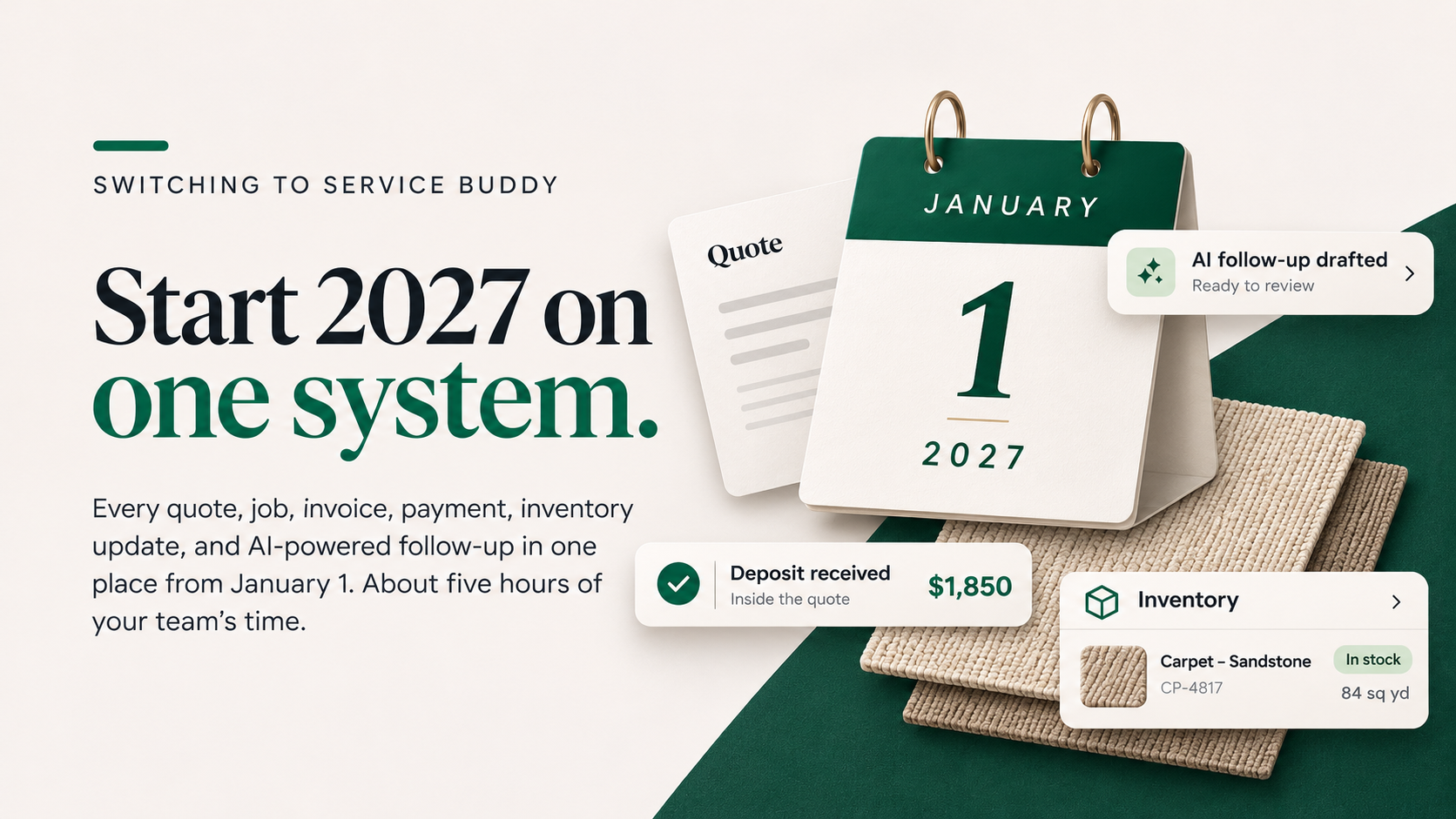
Start 2027 on one system
The stores that switch before January 1 aren't doing it because the calendar is tidy. They're doing it because the year-end count is already scheduled, January is already slow, and they've decided not to spend another year reconciling a whiteboard, a spreadsheet, and a payment terminal that don't know about each other.
If you want 2027 to start with every quote, job, invoice, and payment in one system, with your team trained before the spring rush, the time to book is now. Onboarding is hands-on and done one store at a time, so spots before January 1 are limited.
Book a demo and we'll map out your December-to-January timeline on the call.
Related Blog Posts



See Service Buddy in action with a live demo
Everything you need to run your flooring business, Service Buddy is your all-in-one management platform.